Local control. No extra hardware.
Don't buy that deck.
Build It.
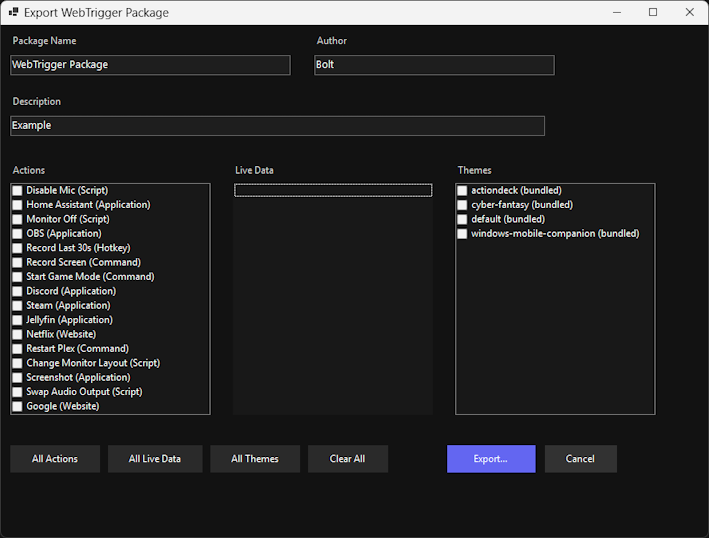
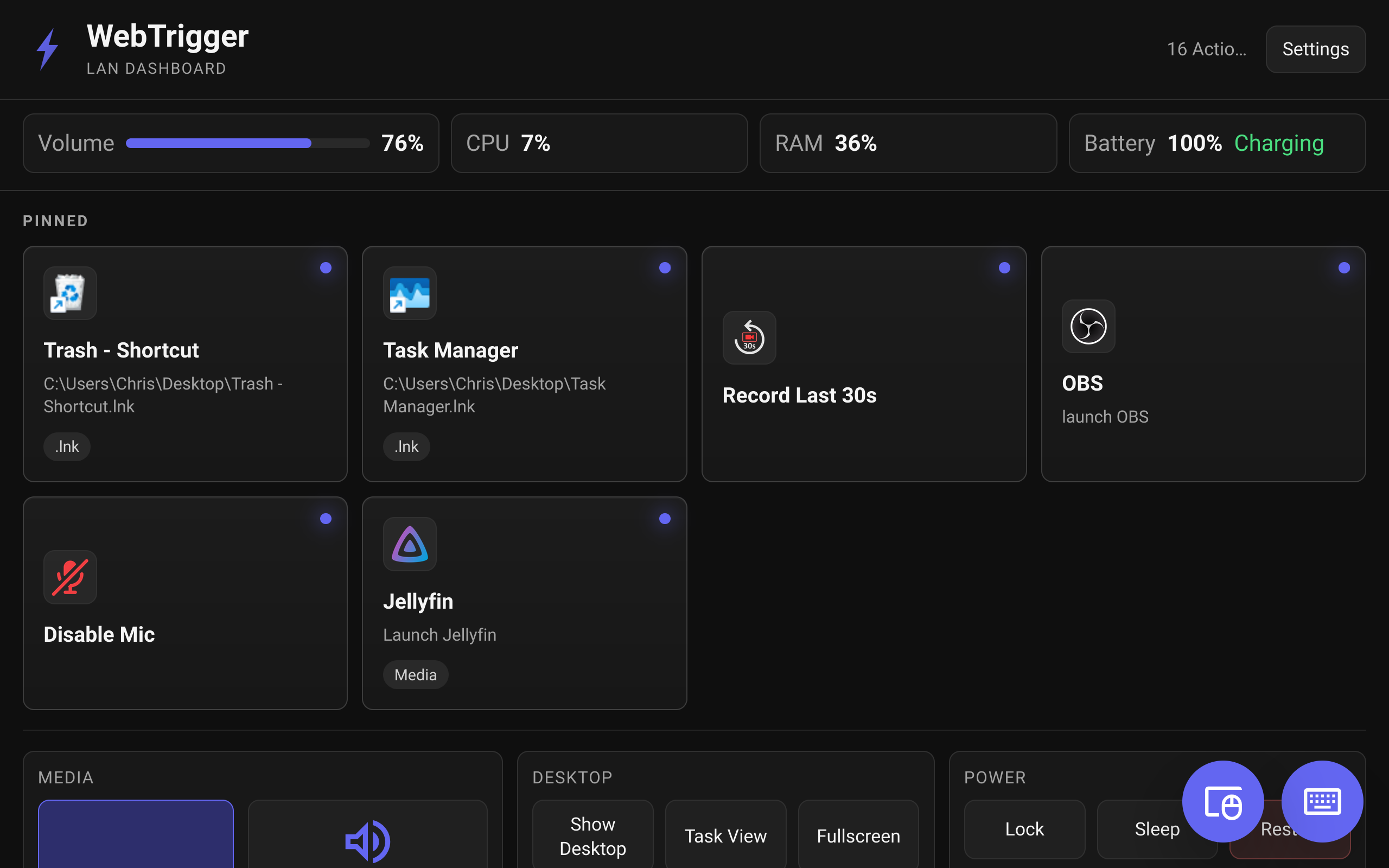
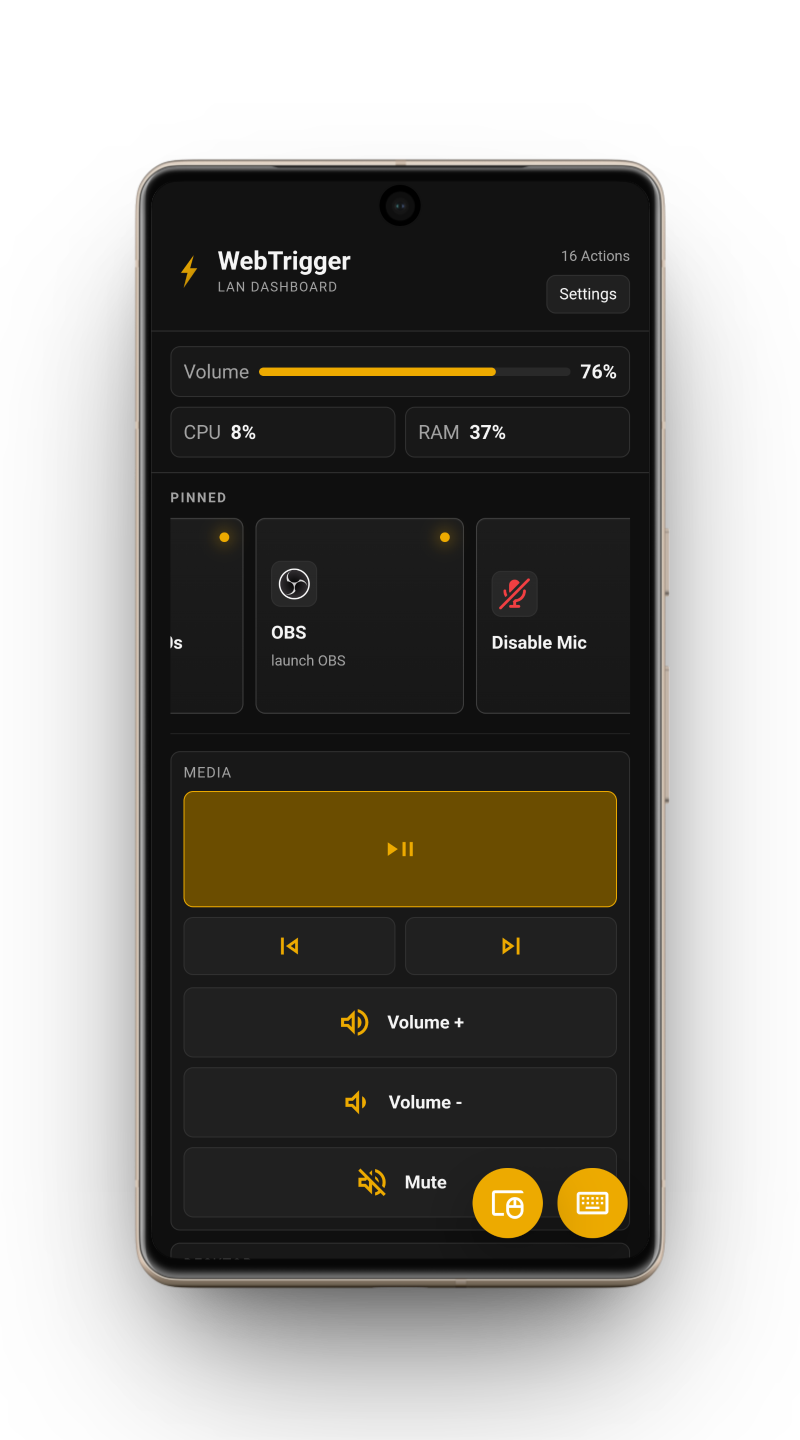
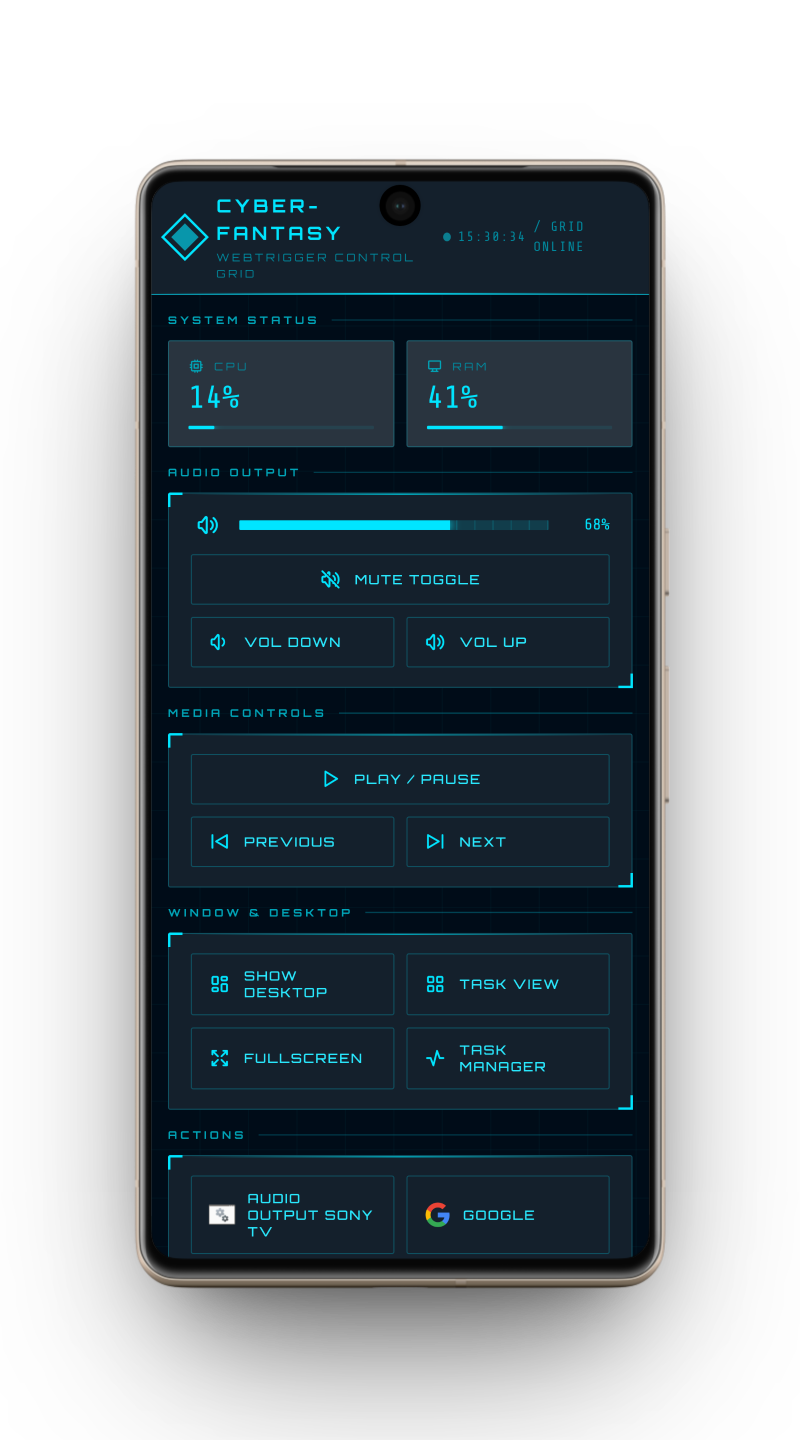
WebTrigger runs on your Windows PC and turns any phone, tablet, or browser into a local control center for apps, scripts, hotkeys, media controls, live system stats, and custom interfaces that fit your setup. If it can be built in a browser, it can become a WebTrigger WebShell.
Local Network First
PIN Protected
No Account Required
No Subscription
Windows 10/11 (64-bit) Public Beta
 WebTrigger - System Overview
CPU
23%
RAM
45%
GPU
32%
Network
1.2 MB/s

Chrome

Spotify

Steam

Discord
Shutdown
OK
Connected securely
192.168.42.42 - LAN
100%
Local - No cloud
 See Android Viewer
 Join Discord